How Much Does VR App & Game Development Cost in 2026? A Founder's Pricing Guide
PGP Studio Team · September 9, 2026 · 15 min read
A transparent pricing breakdown by project complexity, device platform (Meta Quest 3 vs. Apple Vision Pro), and key cost drivers for commercial VR builds.
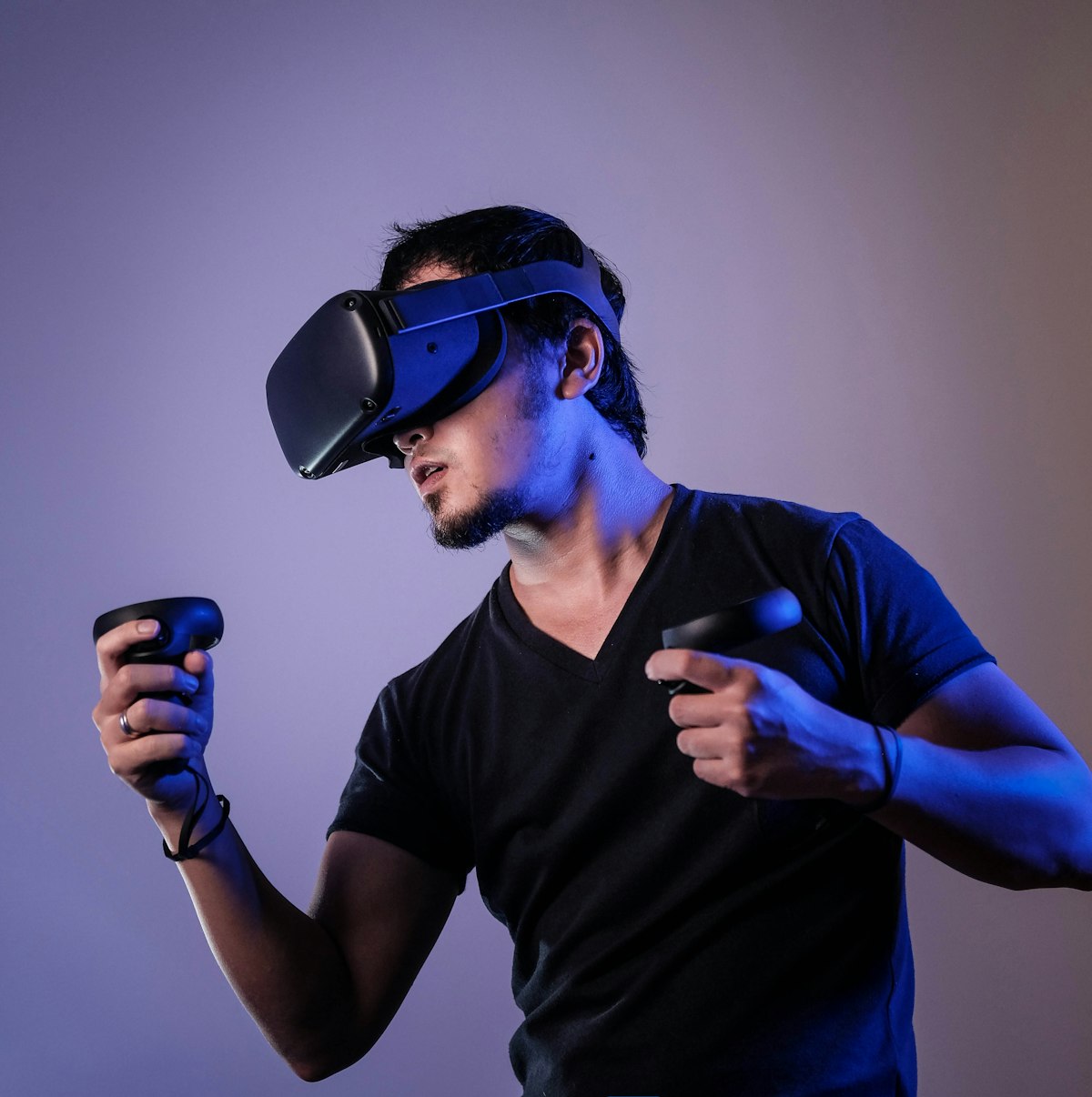
Estimating the cost of virtual reality (VR) app and game development in 2026 requires a very different evaluation framework than traditional 2D mobile or desktop software. Unlike standard screen-based applications, immersive spatial computing involves real-time 3D physics, stereoscopic rendering, 6 DoF (Degrees of Freedom) motion tracking, spatial audio, and aggressive performance profiling to maintain 90 to 120 frames per second (FPS) on standalone hardware.
Whether you are an enterprise innovation director budgeting for a VR training application, a founder pitching a multiplayer VR game concept to investors, or a business owner creating spatial 3D product visualizations on Meta Quest 3 or Apple Vision Pro, understanding what drives VR development pricing prevents costly scope creep and budget overruns.
This guide provides a transparent, realistic breakdown of VR development costs in 2026, details the primary technical cost drivers, and outlines the exact production milestones required to ship a commercial VR product.
1. Realistic VR Development Cost Bands in 2026
Commercial VR development budgets typically fall into three primary project complexity tiers. Exact costs depend on art fidelity, interaction complexity, backend requirements, and targeted hardware platforms.
Tier 1: VR Mechanics Prototype / Proof-of-Concept (MVP)
Typical Investment: $15,000 – $25,000 | Development Timeline: 4 – 6 WeeksDesigned to validate a novel VR mechanic, test user interaction physics, or present a playable demonstration to angel investors or enterprise stakeholders. A VR MVP uses simplified 3D environments and focused interaction scripts to prove technical feasibility.
- Single target headset (e.g., Meta Quest 3).
- Core 6 DoF interaction loop (object manipulation, tool usage, basic locomotion).
- Greybox or low-poly 3D environments with basic spatial audio.
- Ideal for seed fundraising or internal corporate validation.
Tier 2: Mid-Complexity VR Game or Enterprise Training Application
Typical Investment: $30,000 – $65,000 | Development Timeline: 3 – 5 MonthsA feature-complete commercial VR product designed for public distribution on the Meta Quest Store, SteamVR, or enterprise side-loading. This tier represents the sweet spot for specialized industrial training, medical simulations, or standalone indie VR games.
- Custom 3D art assets, PBR materials, and optimized lighting setups.
- Advanced interaction mechanics (hand tracking gestures, complex tool handling, UI menus).
- Multi-stage level design or multi-module corporate training workflows.
- Voiceover integration, haptic feedback profiles, and local analytics tracking.
- Fully optimized for standalone mobile VR chipsets (Snapdragon XR2 Gen 2).
Tier 3: High-End Multiplayer VR Game or Enterprise Spatial Computing System
Typical Investment: $70,000 – $150,000+ | Development Timeline: 6 – 10 MonthsHigh-scale, multi-user VR platforms requiring real-time networking, cloud databases, cross-platform hardware support (Apple Vision Pro + Meta Quest + PCVR), and continuous post-launch live-ops operations.
- Real-time multiplayer synchronization via Photon Fusion or dedicated authoritative servers.
- High-fidelity 3D environments with custom URP shaders and dynamic lighting.
- Cross-platform deployment across Meta Quest 3, Apple Vision Pro, and SteamVR.
- Custom cloud backend, user authentication, inventory systems, and global leaderboards.
- Rigorous QA profiling across multiple physical headsets and firmware builds.
2. The Primary Technical Cost Drivers in VR Production
When reviewing a development proposal from a VR development studio, understanding how specific technical choices impact labor hours helps founders allocate budget efficiently.
A. Hardware Platform Targets: Meta Quest 3 vs. Apple Vision Pro vs. PCVR
Developing for standalone headsets like Meta Quest 3 requires heavy graphics optimization to maintain a locked 90 FPS on mobile processors. Conversely, spatial applications for Apple Vision Pro leverage visionOS and eye-tracking/gesture interfaces, requiring specialized UI engineering. Targeting multiple headsets simultaneously increases testing hours and platform-specific SDK integrations.
B. Input Mechanics: Controllers vs. Direct 6 DoF Hand Tracking
Standard VR motion controllers utilize built-in button mappings provided by Unity's XR Interaction Toolkit (XRI). Implementing direct optical hand tracking—where users pinch, grab, and type using their physical hands—requires custom gesture recognition algorithms and hand-pose smoothing to prevent user frustration.
C. Custom 3D Art Assets & Performance Optimization
3D art accounts for 35% to 50% of a total VR budget. Utilizing pre-built 3D asset libraries reduces initial costs. However, building custom branded environments or real-world machinery requires dedicated 3D modelers, texture artists, and technical artists who optimize polygon counts and draw calls for mobile VR chipsets.
D. Multiplayer Networking & Cloud Backend
Adding multi-user collaboration to a VR application introduces networked position/rotation interpolation, voice-over-IP (VoIP) spatial audio, and server hosting infrastructure. Real-time multiplayer synchronization increases core engineering effort by approximately 40%. Read our architectural guide on Multiplayer & Backend Infrastructure Development.
3. Native Unity VR vs. WebXR: Cost & Performance Comparison
Founders often ask whether to build a native VR application in Unity or a browser-based WebXR application. Both approaches have distinct commercial trade-offs:
- Unity XR (Native C#): The industry standard powering 80%+ of commercial VR titles. Delivers maximum 90–120 FPS performance, high visual fidelity, full access to device hardware APIs, and distribution on Meta Quest Store & SteamVR. Best for games, complex simulators, and high-end training apps.
- WebXR (Browser-Based 3D): Runs inside web browsers without store installation. Ideal for quick marketing demonstrations or simple product configurators, but severely limited in graphical fidelity, physics complexity, and frame-rate stability.
For commercial products intended for public sale or enterprise training, Unity XR provides the performance and reliability required for long-term scalability. Learn more about our XR & Spatial Computing Development Services.
4. The 5-Stage Commercial VR Development Roadmap
Shipping a stable VR application requires a structured production workflow to catch technical performance bottlenecks early:
- Stage 1: Spatial Scoping & Technical GDD (Weeks 1–3): Define user journeys, comfort settings (teleportation vs continuous locomotion), hardware targets, and 3D asset budgets.
- Stage 2: 3D Interaction Prototyping (Weeks 4–8): Build graybox environments to validate scale, reachability, touch interactions, and frame-rate baselines.
- Stage 3: Full Art & Systems Production (Weeks 9–18): Produce final 3D models, integrate URP shaders, program C# interaction logic, and implement spatial UI panels.
- Stage 4: Performance Profiling & QA (Weeks 19–22): Conduct memory profiling, texture compression, and CPU/GPU bottleneck elimination to guarantee zero motion sickness from frame drops.
- Stage 5: Store Submission & Deployment (Weeks 23–24): Navigate Meta Quest VRC (Virtual Reality Checks), App Lab, or Apple App Store review guidelines for final release. Read our team's 5-Stage Development Process.
5. Common VR Cost Pitfalls & How Founders Overspend
Founders new to spatial computing often make expensive mistakes during initial scoping:
- Over-Designing Visual Art Before Validating VR Comfort: Investing thousands of dollars in high-poly 3D models before testing if the gameplay scale induces motion sickness.
- Ignoring Frame Budget Profiling Until Launch Week: Attempting to optimize a laggy 30 FPS build days before store submission rather than profiling memory continuously during production.
- Custom Engine Development: Trying to build a custom 3D renderer instead of leveraging mature ecosystems like Unity 6 and XR Interaction Toolkit.
6. Hiring Strategy: Freelancers vs. In-House vs. Dedicated XR Studio
Building a VR application requires a specialized cross-functional team: an XR Unity engineer, a 3D technical artist, a spatial UI/UX designer, and a QA tester equipped with physical testing hardware. Hiring individual full-time US/European VR engineers ($130,000+ per year each plus benefits) creates massive fixed overhead before your product generates revenue.
Partnering with a dedicated agency like PGP Studio gives you immediate access to a complete, senior XR engineering team under a milestone-driven production schedule. Review our framework on Hiring Unity Developers vs Building In-House.
Frequently Asked Questions (FAQ)
How much does a basic Meta Quest 3 VR game cost to develop?
A mid-complexity single-player Meta Quest 3 VR game typically costs between $30,000 and $65,000, depending on custom 3D art requirements, level count, and visual polish.
How long does it take to build an enterprise VR training application?
A typical multi-module enterprise VR training application takes 3 to 5 months from initial technical scoping to final deployment.
Why is 90 FPS performance critical in VR development?
Unlike mobile screens where frame drops cause minor lag, frame-rate drops in VR cause visual latency and motion sickness for users. Maintaining a steady 90+ FPS profile on standalone mobile VR hardware is mandatory for App Store approval.
Can PGP Studio help turn our VR concept into a technical scope and MVP build?
Yes. PGP Studio provides end-to-end technical scoping, 3D prototyping, full Unity engineering, and store publishing for international startups and enterprise clients. Request a project consultation here.
Building something in XR?
AR, VR, and mixed reality builds for Quest, Vision Pro, and Android XR are a core part of our client work.
Explore XR DevelopmentGet Unity dev tips in your inbox
Practical guides on Unity, ASO, XR, and mobile monetization from the PGP Studio team. No spam, unsubscribe anytime.
Browse all articles